

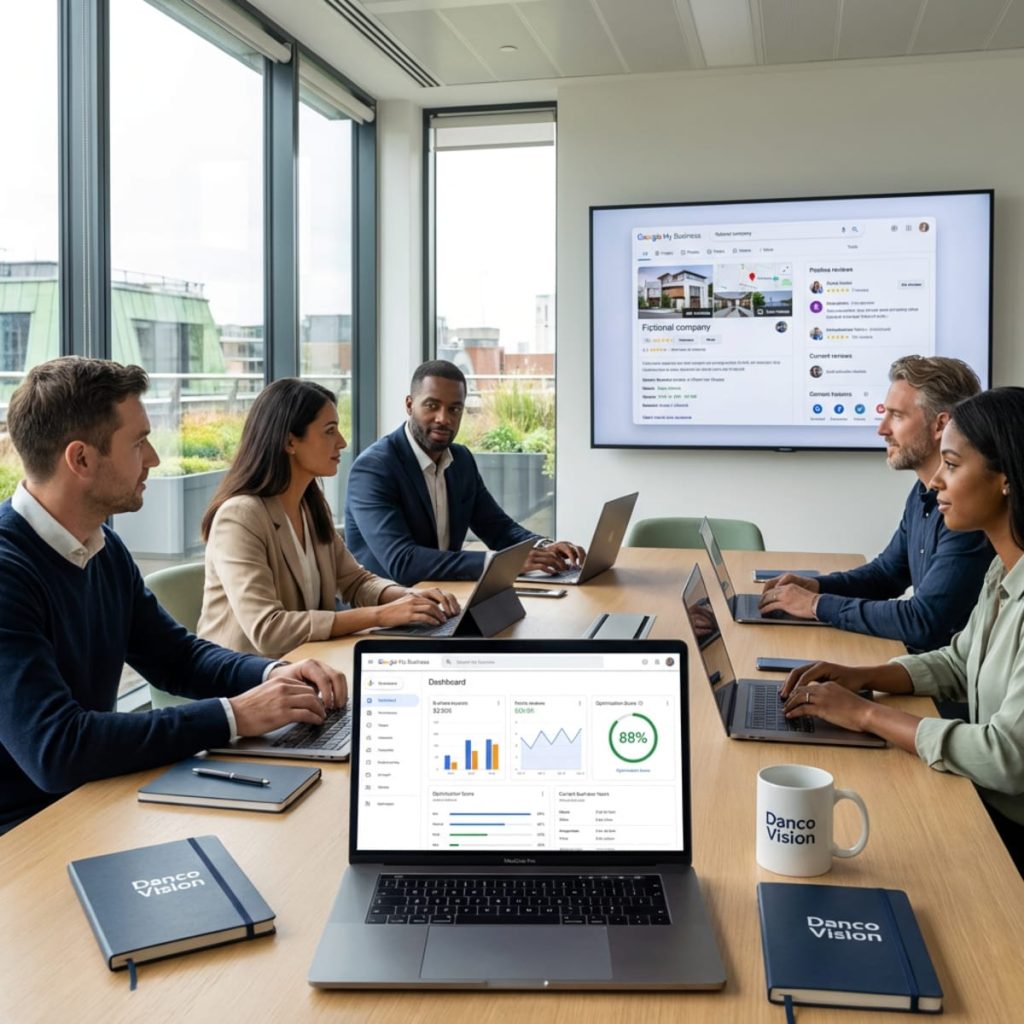
Online presence is no longer just a whim, but a necessity for any local business that wants to grow. If you have a business and want to be found quickly by nearby customers, Google My Business is one of the best tools in your SEO strategy that you need to use. Let’s discover together how you can turn this platform into a client magnet!
What is Google My Business and why does it matter for your local business?
Google My Business (GMB), or Google Business Profile, is essentially your digital business card. It’s where customers can quickly find you on Google Search and Google Maps, see your schedule, photos, reviews, and even contact you directly. This tool is free and super easy to use, and if you optimize it correctly, it can bring you new customers without investing huge amounts in advertising.
Why is GMB important for local businesses?
- Instant Visibility: When someone searches for “coffee shop near me” or “hairdresser in [your city],” your profile appears directly in front of their eyes.
- Increased Trust: A complete profile with good photos and reviews inspires trust and makes customers choose you over the competition.
- Quick Interaction: Customers can see your schedule, call directly, ask for directions, or leave a review.
- Total Control: You can update information anytime, ensuring you are always relevant and up-to-date.
How does Google My Business work?
All you need to do is create or claim your profile, fill in all relevant details, and add quality photos. Once you’ve done that, Google will display your business in local search results and on Google Maps, exactly where customers are looking for services or products like yours.
Why collaborate with an agency like Danco Vision?
Danco Vision has an impressive portfolio and a 360° perspective on digital marketing. The agency not only helps you set up and optimize your Google My Business profile but also provides integrated marketing strategies that increase your visibility and bring you real customers from your area.
How to set up and optimize your Google My Business profile to attract local customers
Okay, you understand why it’s important. But how do you actually set up and optimize your profile to become the #1 choice for customers in your area? Let’s look at the essential steps.
- Create or claim your business profile
- Go to GMB and follow the steps to create or claim your profile.
- Fill in the exact business name, address, phone number, and website.
- Choose the correct category (e.g., “vegan restaurant”, “car service”, “hair salon”).
- Add detailed and relevant information
- Write a clear and attractive business description.
- Add operating hours and update them if they change.
- Upload quality photos of your location, products/services, and team.
- Add additional attributes (e.g., “free Wi-Fi”, “parking available”).
- Encourage customer reviews
- Ask for feedback from satisfied customers.
- Respond quickly and politely to all reviews, both positive and negative.
- Relevant reviews build trust and help you rank higher in local results.
- Post updates and offers
- Use the posts feature to announce promotions, events, or news.
- Post regularly to show that you are active and engaged.
- Monitor and analyze performance
- Use the Insights section in GMB to see how many people viewed your profile, asked for directions, or called.
- Adjust your strategy based on what works best.
We recommend treating your Google My Business profile as an extension of your brand. With a coherent local SEO strategy, you can turn every view into a potential customer.
Google My Business optimization strategies for increasing local visibility
Simply having a profile is not enough. Google My Business optimization is key to standing out when customers are looking for services like yours. Here are some tested and recommended strategies to increase your local visibility.
- Use relevant keywords in descriptions and posts
- Integrate local keywords (e.g., “hairdresser Bucharest”, “car service Cluj”).
- Be natural, don’t force keywords – Google penalizes “stuffing”.
- Add updated photos and videos
- Profiles with photos receive 42% more direction requests and 35% more clicks to the website.
- Change photos periodically and show what’s new in your business.
- Respond to customer questions
- Google allows users to ask questions directly on your profile.
- Respond quickly and provide useful information – this shows that you are engaged and attentive to customer needs.
- Use the posts feature to promote special offers
- Announce discounts, product launches, or local events.
- Posts appear directly in the profile and can influence purchasing decisions.
- Monitor and manage reviews
- Negative reviews should not be ignored – respond calmly and offer solutions.
- Positive reviews can be promoted on social media or your website.
- Constantly update information
- If you’ve changed your schedule or have a temporary offer, update your profile immediately.
- Incorrect information can lead to lost customers and negative reviews.
Top 5 mistakes to avoid in GMB optimization
- Leaving the profile incomplete or outdated
- Ignoring negative reviews
- Using irrelevant keywords
- Lack of real photos of the business
- Failure to comply with Google policies (e.g., false information)
Danco Vision emphasizes that local success comes from attention to detail and constant interaction with your community. An optimized Google My Business profile is the first step towards a top online presence
Google Reviews – how they influence customer decisions and how to manage them efficiently
Before buying or visiting a new place, most people read reviews from other customers. Google reviews are essential for your online reputation and can make the difference between a new customer and a lost one.
Why do Google reviews matter?
- Instant Trust: 90% of consumers read online reviews before making a decision.
- Local SEO: Profiles with many relevant reviews appear higher in Google Maps and Search results.
- Real Feedback: Reviews help you see what works and what needs improvement in your business.
How to get more customer reviews?
- Ask them directly at the end of a positive experience.
- Send a link to your Google My Business profile via WhatsApp, SMS, or email.
- Offer small rewards (e.g., a free coffee, discount on the next visit) for sincere reviews.
How to respond to reviews – good or bad
Positive Reviews: Thank them and show that you appreciate the feedback.
Negative Reviews: Respond calmly, ask for details if needed, and offer solutions. Do not delete reviews unless they are false or abusive.
Neutral Reviews: Ask what you could do better and invite the customer to return.
Example of a response to a negative review: “Hello! Thank you for writing to us. We are sorry for your experience and want to remedy the situation. Please contact us directly to offer you a suitable solution.”
The agency offers personalized consulting for online reputation management, including strategies for obtaining and managing Google reviews. With a well-defined plan, reviews become a growth engine, not a source of stress.
How to integrate Google My Business into your local marketing strategy
Google My Business should not operate in isolation. For maximum results, integrate it into your local marketing strategy, alongside SEO, social media, and performance marketing campaigns.
- Synergy with website and local SEO
- Ensure that the information on GMB is identical to that on your website (address, phone, schedule).
- Optimize the site for local searches (e.g., dedicated pages for each location, relevant content for your area).
- Use schema markup for local business on your website.
- Promotion on social media
- Share positive reviews on Facebook, Instagram, or LinkedIn pages.
- Announce on social media when you have new offers or events on GMB.
- Performance marketing campaigns
- Use Google Ads to promote your Google My Business profile to users in your area.
- Create ads that link directly to your profile or Google Maps.
- Collaboration with local influencers
- Invite influencers from your city to visit your business and leave reviews on Google.
- A review from a visible person can generate a wave of new customers.
- Monitoring and reporting
- Analyze monthly results from Google My Business Insights.
- Adjust your strategy based on data: see which posts generated the most interactions, which keywords bring traffic, etc.
We offer complete digital marketing packages, so you benefit from an integrated strategy tailored to your needs and goals. By combining Google My Business with other channels, your results will be far above the market average.
Google My Business – case studies and success stories
Nothing is more convincing than real results. Here are some examples of local businesses that have grown spectacularly after optimizing and integrating Google My Business into their marketing strategy, with the support of Danco Vision.
Case Study 1: Local coffee shop in Bucharest
Challenge: Low visibility on Google Maps, few reviews, customers only from recommendations.
Danco Vision Solution:
- Complete GMB profile optimization (professional photos, attractive description, updated schedule).
- Review campaign with the help of loyal customers.
- Weekly posts with local offers and events.
Result:
- 80% increase in direction requests on Google Maps.
- Doubling the number of reviews in 3 months.
- 60% increased foot traffic to the location.
Case Study 2: Car service in Cluj
Challenge: High competition, unmanaged negative reviews, incomplete profile information.
Danco Vision Solution:
- Audit and correction of all information on Google My Business.
- Personalized responses to negative reviews and invitation to dialogue.
- Integration with Google Ads campaigns for the Cluj area.
Result:
- 50% decrease in negative reviews in 6 months.
- 120% increase in new customers coming from Google Maps.
- Positioning in the top 3 local results for “car service Cluj”.
Case Study 3: Beauty salon in Constanța
Challenge: Unoptimized GMB profile, lack of photos and reviews, zero social media presence.
Danco Vision Solution:
- Creation of a Google My Business profile from scratch, with professional photos and detailed description.
- Launch of Instagram and Facebook campaign to attract reviews.
- Regular posts with offers and before/after transformations.
Result:
- Over 100 new reviews in 2 months.
- 70% increase in online bookings.
- Significantly increased brand awareness in Constanța.
These examples clearly show that a correct Google My Business strategy, supported by an experienced agency, can transform any local business into a landmark for the community.
Conclusion
Want to put your business on the map and attract customers from your area? Danco Vision can help you with strategies to improve your Google ranking personalized and Google My Business optimization at the highest level. Discover more on our website and put your business in front of those who matter!
Frequently Asked Questions
What is Google My Business and how does it help me?
Google My Business (GMB) is a free tool from Google that allows you to manage how your business appears in Google Search and Google Maps. It helps you to be found more easily by local customers and to quickly provide them with relevant information.
How can I get more reviews on Google?
The simplest way is to ask customers directly, at the end of a positive experience. You can send the link to your Google My Business profile via WhatsApp, SMS, or email. Do not offer material rewards for fake reviews, but you can encourage sincere feedback.
What do I do if I receive a negative review?
Respond quickly, politely, and offer a solution. Do not delete the review unless it is abusive or false. Show that you care about customers and want to resolve any issue.
How often should I post on Google My Business?
Ideally, you should post at least once a week. You can announce offers, events, news, or post new photos.
Can I use GMB if I don’t have a physical location?
Yes, you can use Google My Business for businesses that offer home or field services. You just need to specify the service area in your profile.
Articole similare

Why choose Danco Vision Agency for online promotion?
In a world where an online presence is no longer a luxury but a necessity, choosing the right agency for online promotion can make the

Performance Max Campaign for ecommerce: when and how to use it
In the digital age, where every click counts and every conversion can make the difference between success and failure, the Performance Max Campaign has quickly

What is PPC and how an agency can optimize your paid campaigns
In a digital world where capturing audience attention is becoming increasingly difficult, online advertising has become a must-have for any brand that wants to grow.



